Brink for families

Chores, done.
Allowance, counted.

Text your kids their chores. They tap Done. Brink adds up the month.

Start free

Free. Your kids don’t need an account, an email or an app.
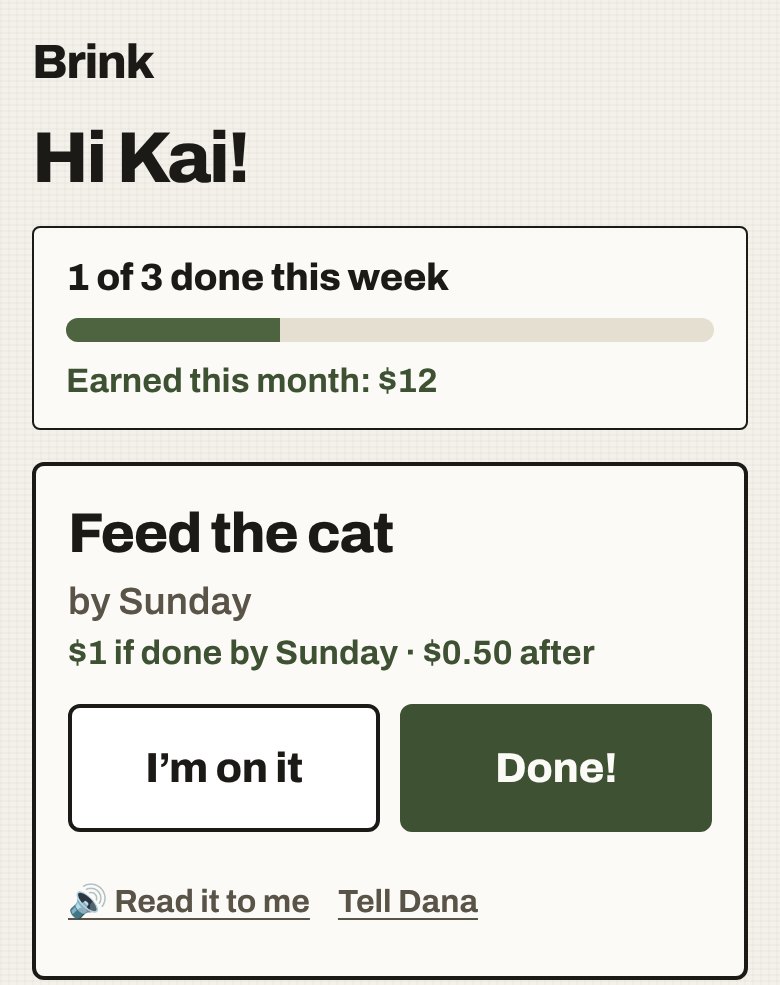
A child's Brink list: Hi Kai! 1 of 3 done this week. Earned this month: $12. Feed the cat, by Sunday, $1 if done by Sunday, $0.50 after, with big I'm on it and Done! buttons.
Set up · two minutes

Three steps, once.

1 · Add your child

Just a name.

Tick “This is my child”. No email needed, ever.
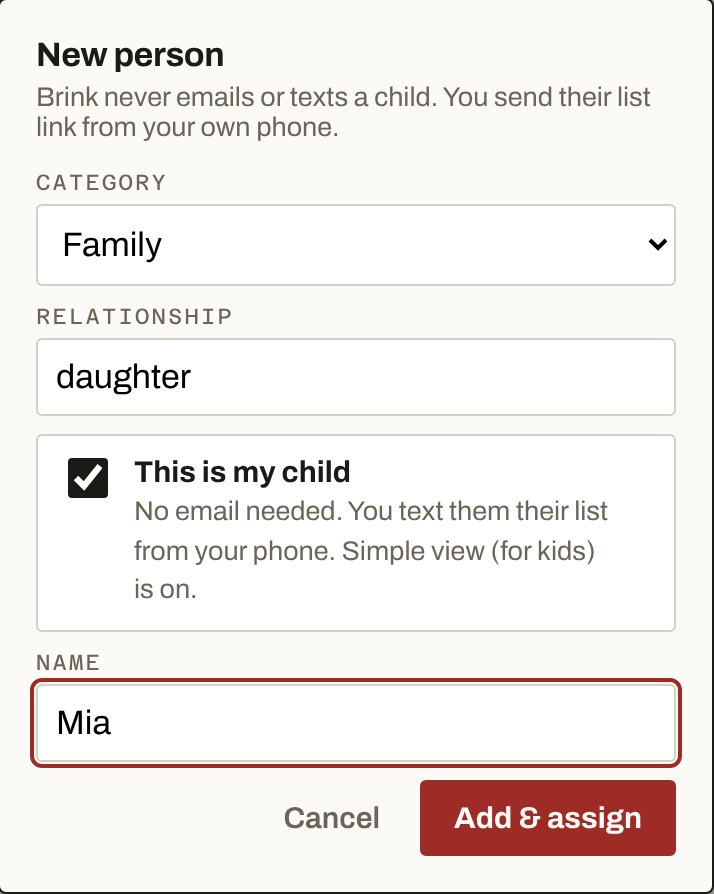
The New person box in Brink: Family, daughter, This is my child ticked, name Mia.
2 · Set the allowance

$1 on time. $0.50 late.

Set it once. Every chore you give them fills it in.
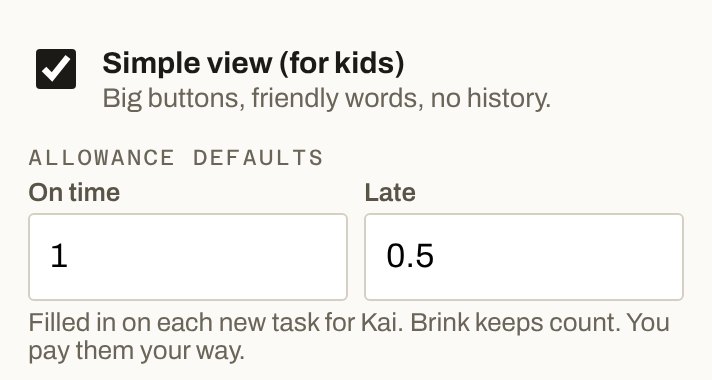
Allowance defaults in Brink: on time 1, late 0.5. Filled in on each new task for Kai. Brink keeps count. You pay them your way.
3 · Text it

From your phone.

One link with every chore. It stays the same in every text.
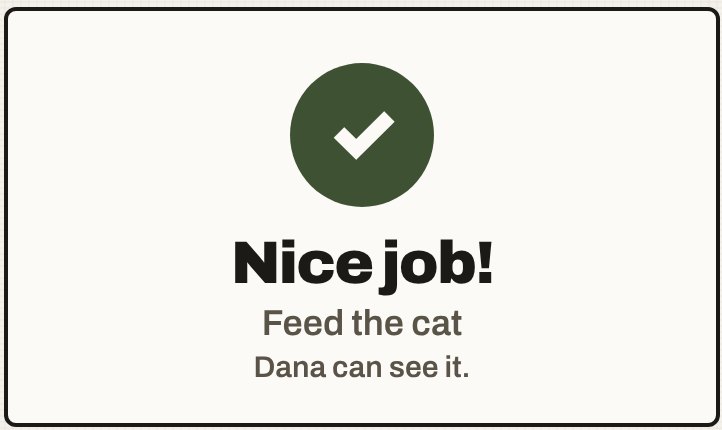
What your kid sees

Big buttons. Friendly words.

  • “I’m on it” and “Done!”One tap each. You see it move on your board.
  • What it’s worth.“$1 if done by Sunday”, and what they’ve earned this month.
  • Read it to me.For kids still learning to read.
Nice job! Feed the cat. Dana can see it.
End of the month

The math is done.

On time, late, not done, and the total. Pay them your way, then tap Mark paid. Next month starts at zero.
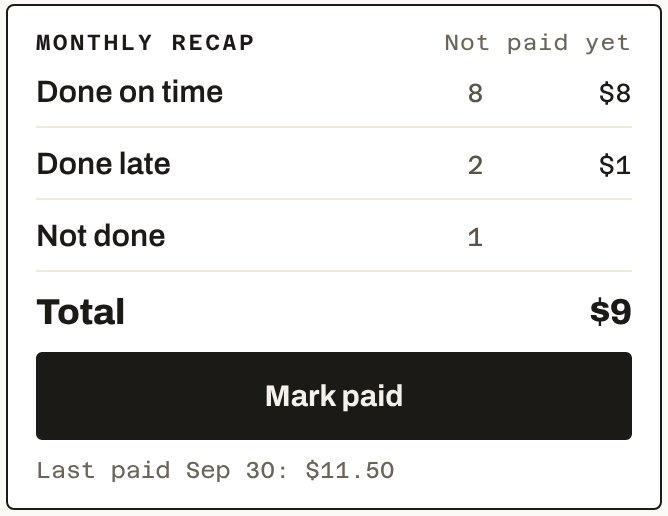
Monthly recap: done on time 8, $8. Done late 2, $1. Not done 1. Total $9. Mark paid.
Privacy

Nothing to sign up for. Nothing to track.

Give one chore tonight. See it done.

Start free

Free. No card.