Plan something · how it works
Say what’s coming. Get the list.
A trip, a party, a move. Brink turns it into a checklist you can hand out.
- 1
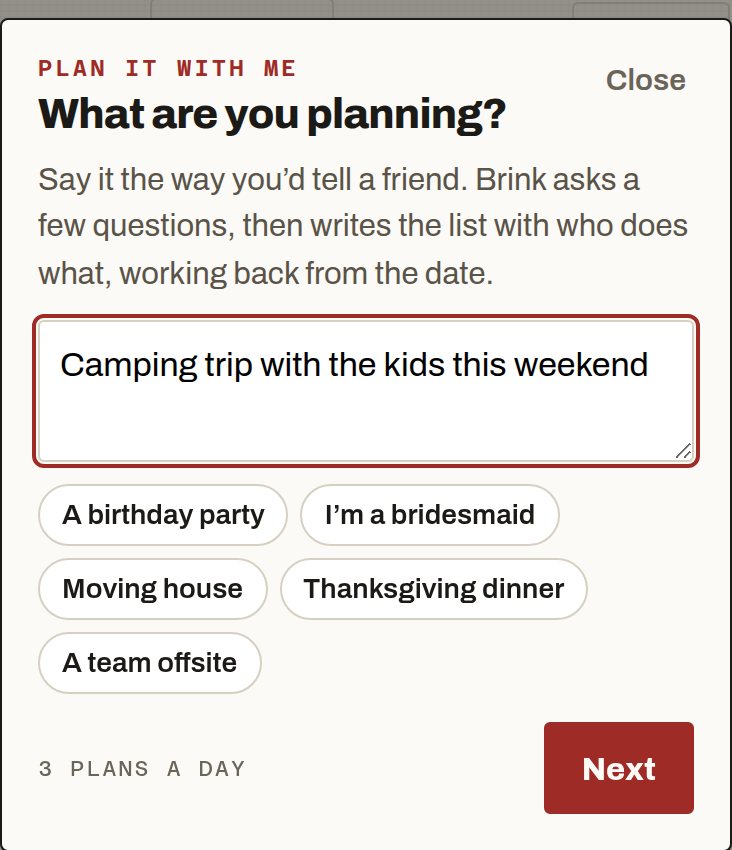
Type the situation.
Pro. Tap New task, then Plan something. Laptop: also More → Plan something. Say it the way you’d tell a friend, or tap an example.
- 2
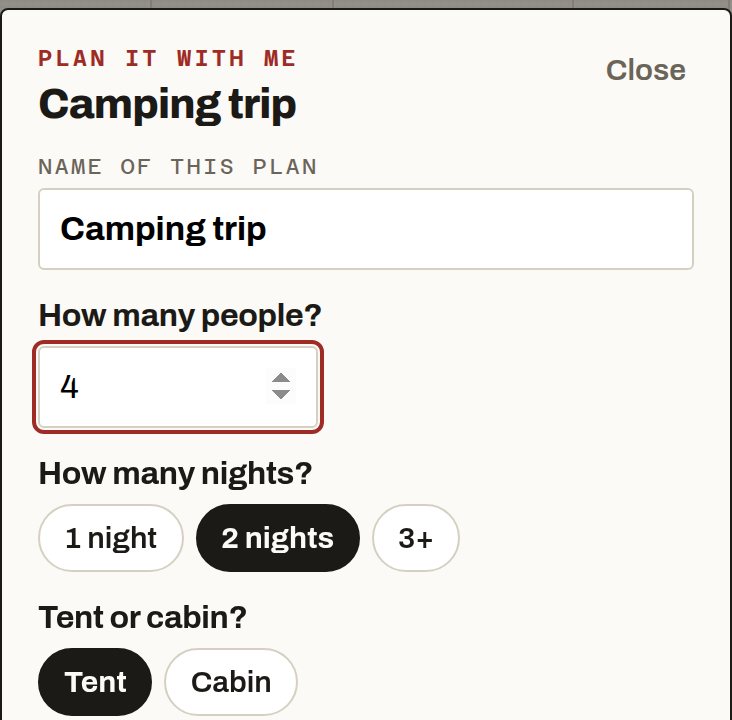
Answer a few questions.
Tap an answer or type one. Skip any you don’t care about.
- 3
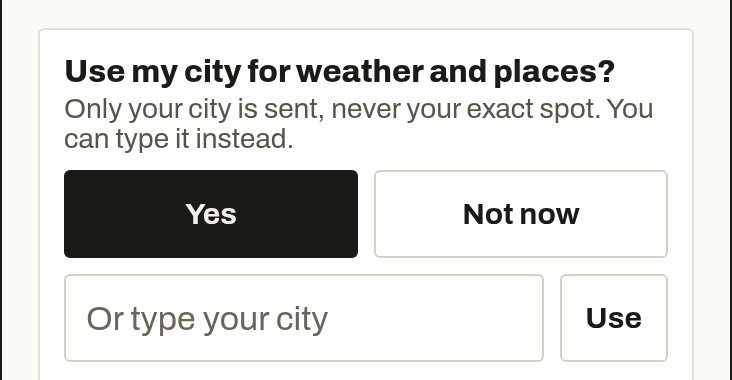
Share your city, if you like.
For trips and outdoor plans, Brink asks once: Use my city for weather and places? Tap Yes, type a city, or Not now.
Only your city is used, never your exact spot.
- 4
Get your list.
Tap Make my list. Each item can carry a short line about the weather or the place.
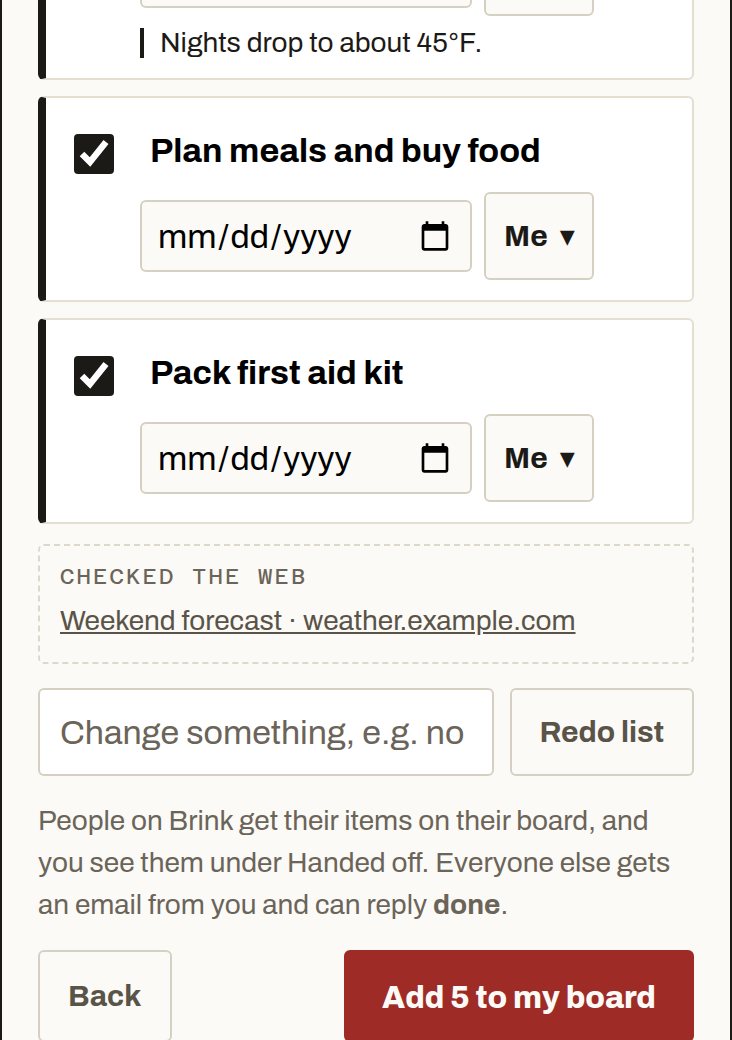
- 5
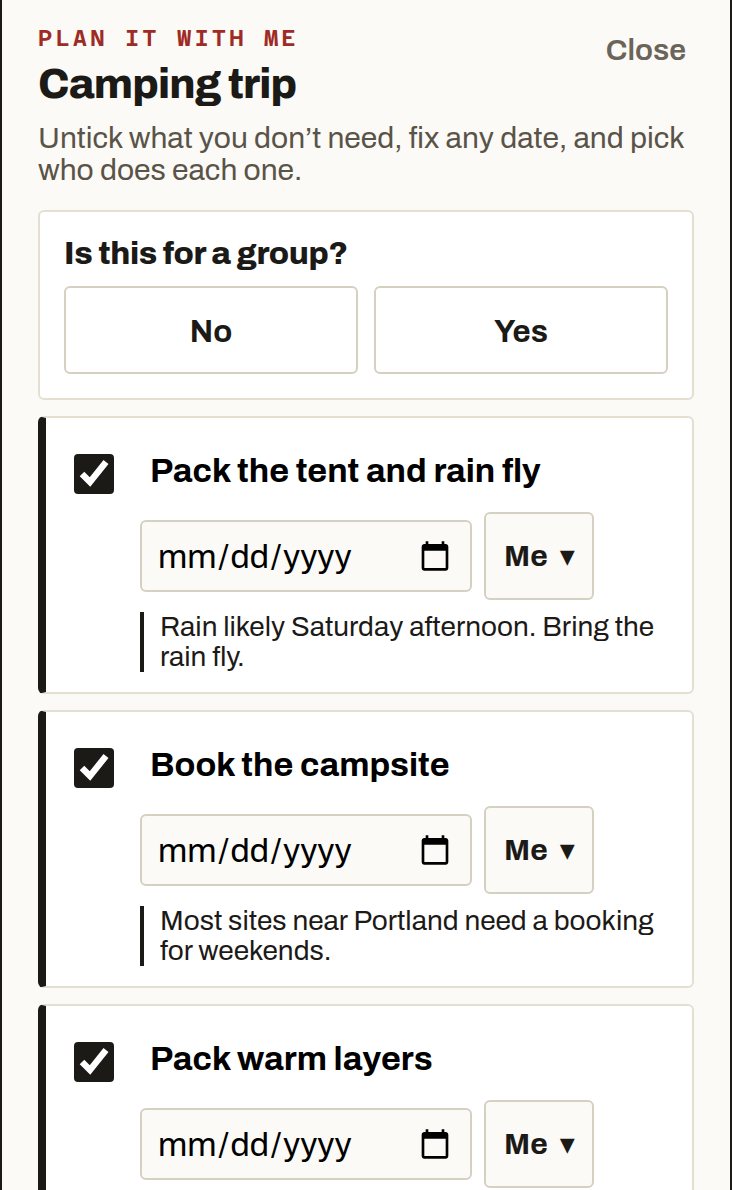
Pick who does each piece.
Untick what you don’t need, add dates, and choose Me or a person for each item. Tap Add to my board.
People on Brink see their items on their board. Everyone else gets one email.