Quick add and Siri · how it works
Say it. It’s on your board.
Siri adds tasks, notes and chores to Brink while your hands are busy.
- 1
Get the iPhone app and sign in.
Siri works in the Brink iPhone app. Open it once and sign in. Nothing else to set up.

- 2
Start with one phrase.
Say “Hey Siri, add to Brink.” Siri answers “How can I help you?”
That one phrase does everything below.
You sayHey Siri, add to Brink.SiriHow can I help you? - 3
Add a task.
Say who, what and when, the way you’d say it to a person.
You sayDiego sends the vendor quotes Thursday.SiriAdded Send the vendor quotes, Thursday. It’s on their board now.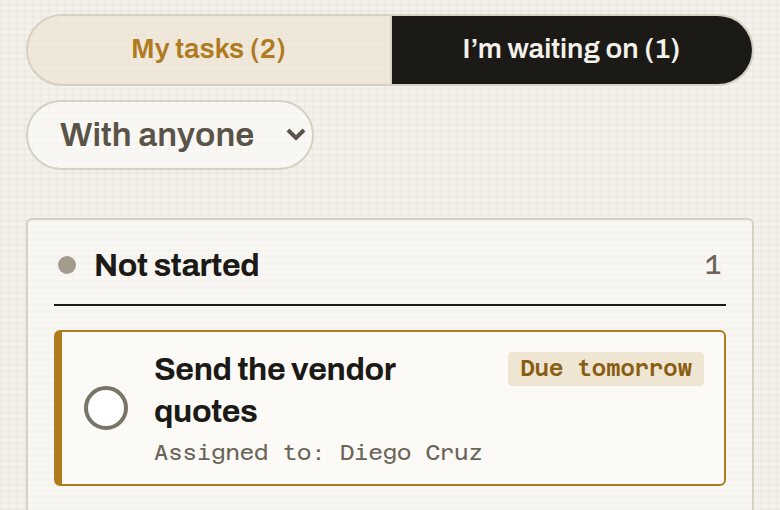
- 4
Add a note.
Name the task and say the update.
You sayAdd a note to vendor quotes: two of three are in.SiriAdded that note to vendor quotes.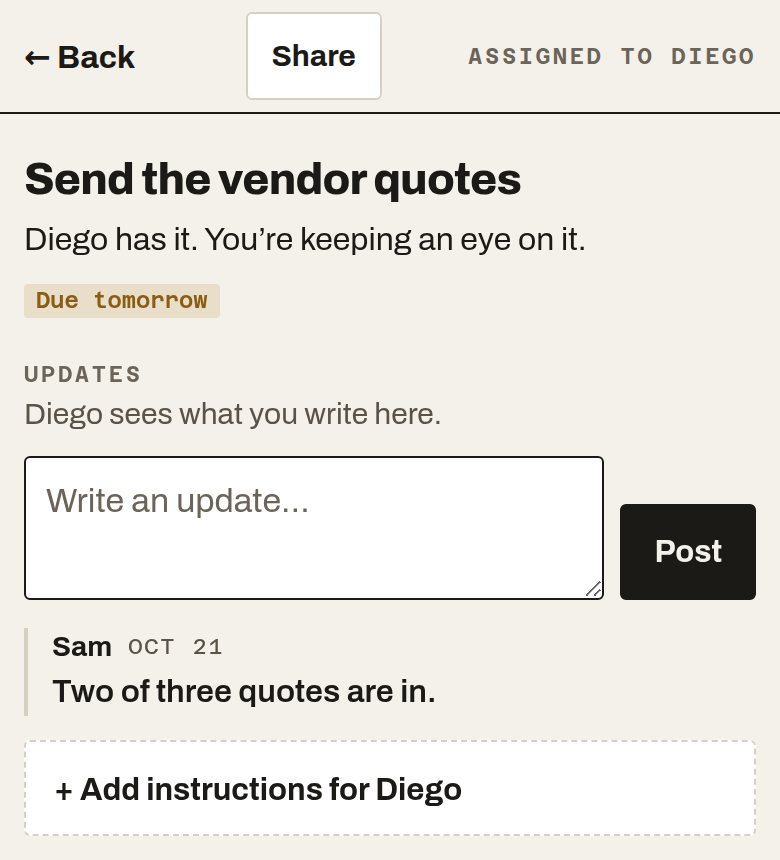
- 5
Add a chore for your kid.
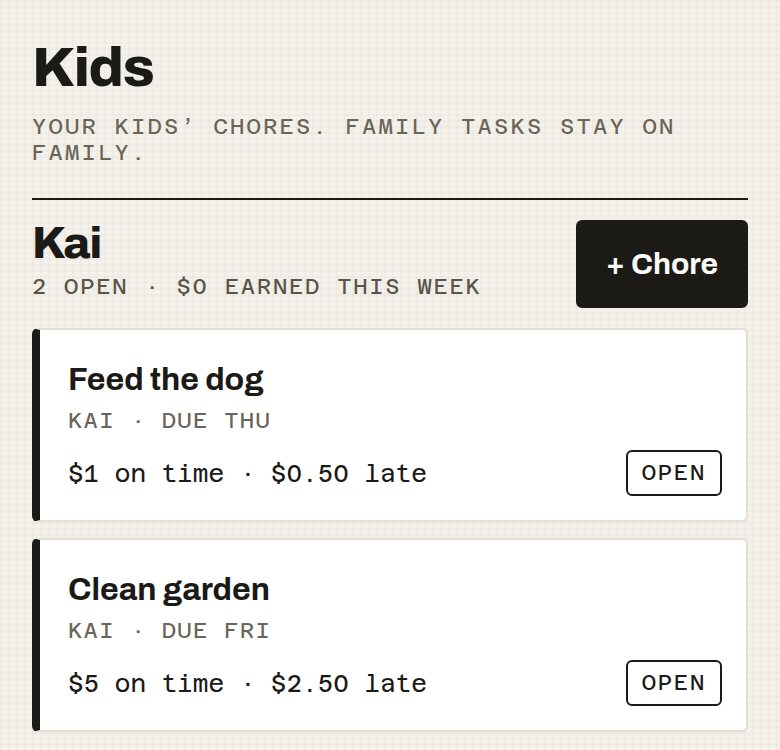
Say the kid’s name, the chore, when, and what it’s worth.
You sayAdd a chore for Kai, clean garden by Friday, $5 allowance.SiriAdded Clean garden for Kai, due Friday, $5 allowance.Kai needs to be in your People as your child first.